
CLI & CI
Sync locale files in CI and scripts with the same API as the IDE.
LingPie CLI & CI covers @lingpie/cli and the Integration REST API (/integrations/v1). Developers run lingpie init, lingpie pull, and lingpie push against a repository lingpie.yaml, or call the same API with project keys (lp_*) from custom scripts and pipelines.
Install the LingPie CLI
npm install -g @lingpie/cliRun npm install -g @lingpie/cli in your terminal (Node.js ≥ 20). Or skip a global install and use npx lingpie for one-off commands.
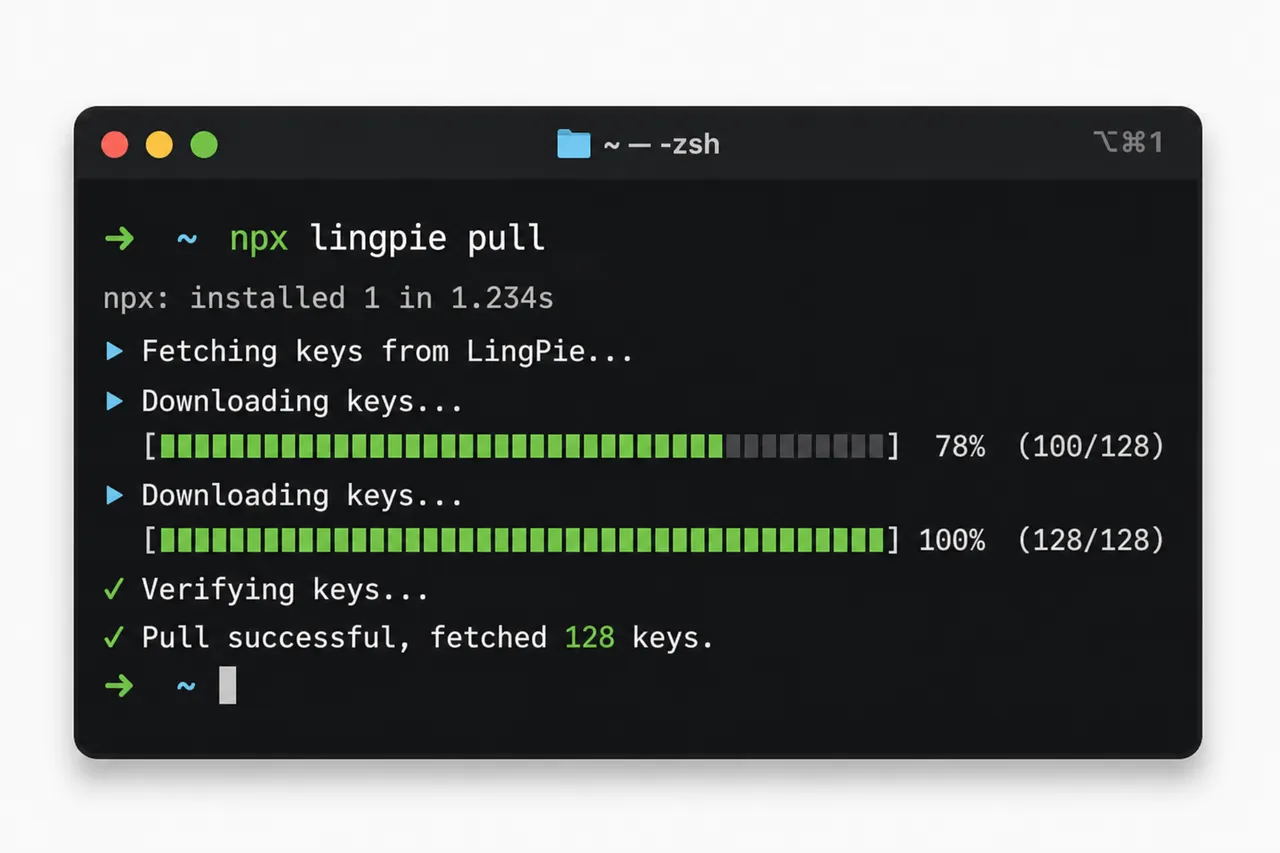
Pull translations with npx lingpie pull
Run npx lingpie pull in your terminal to download the latest translations into your locale files. Keep CI and local checkouts in sync with the same lingpie.yaml contract.
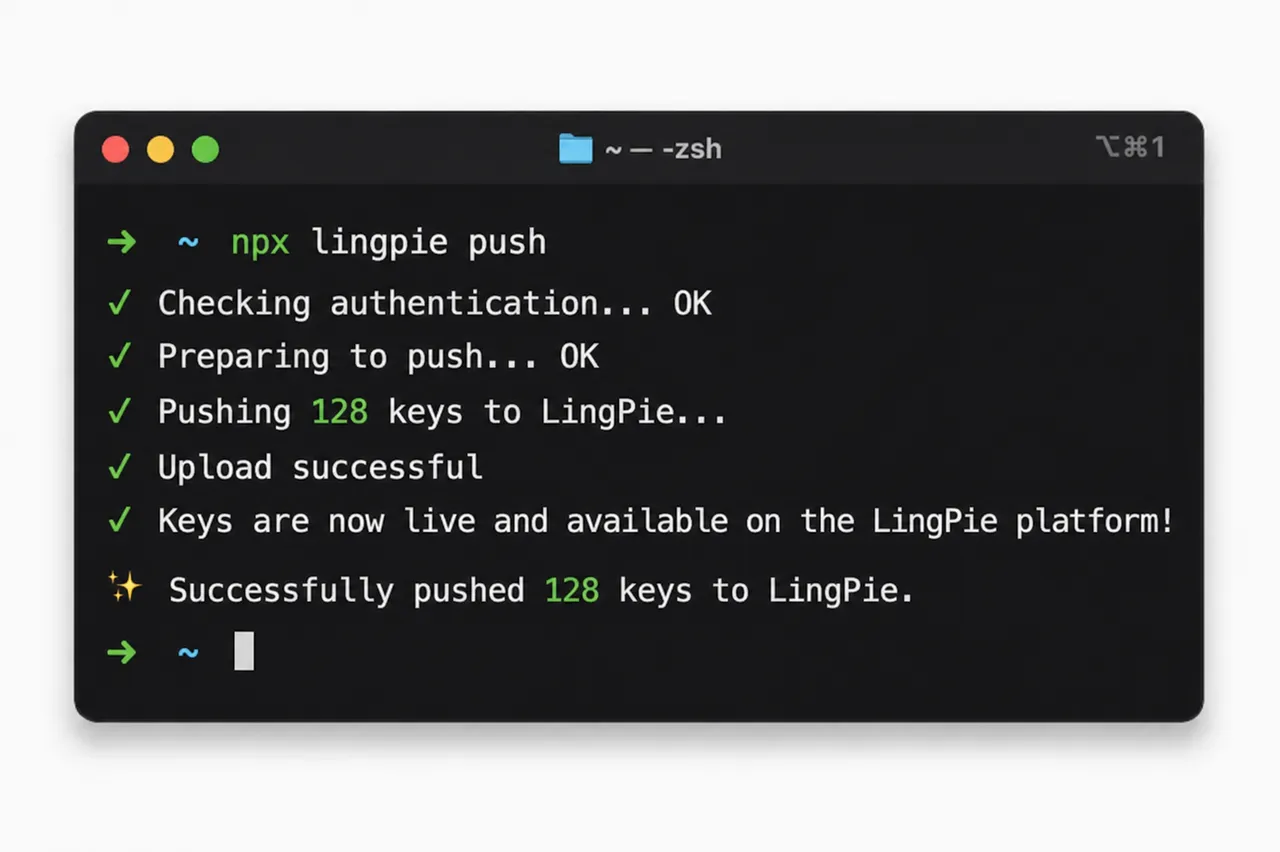
Push translations with npx lingpie push
Run npx lingpie push to upload local locale changes back to LingPie. Ship new keys and updates from your repo without leaving the terminal.
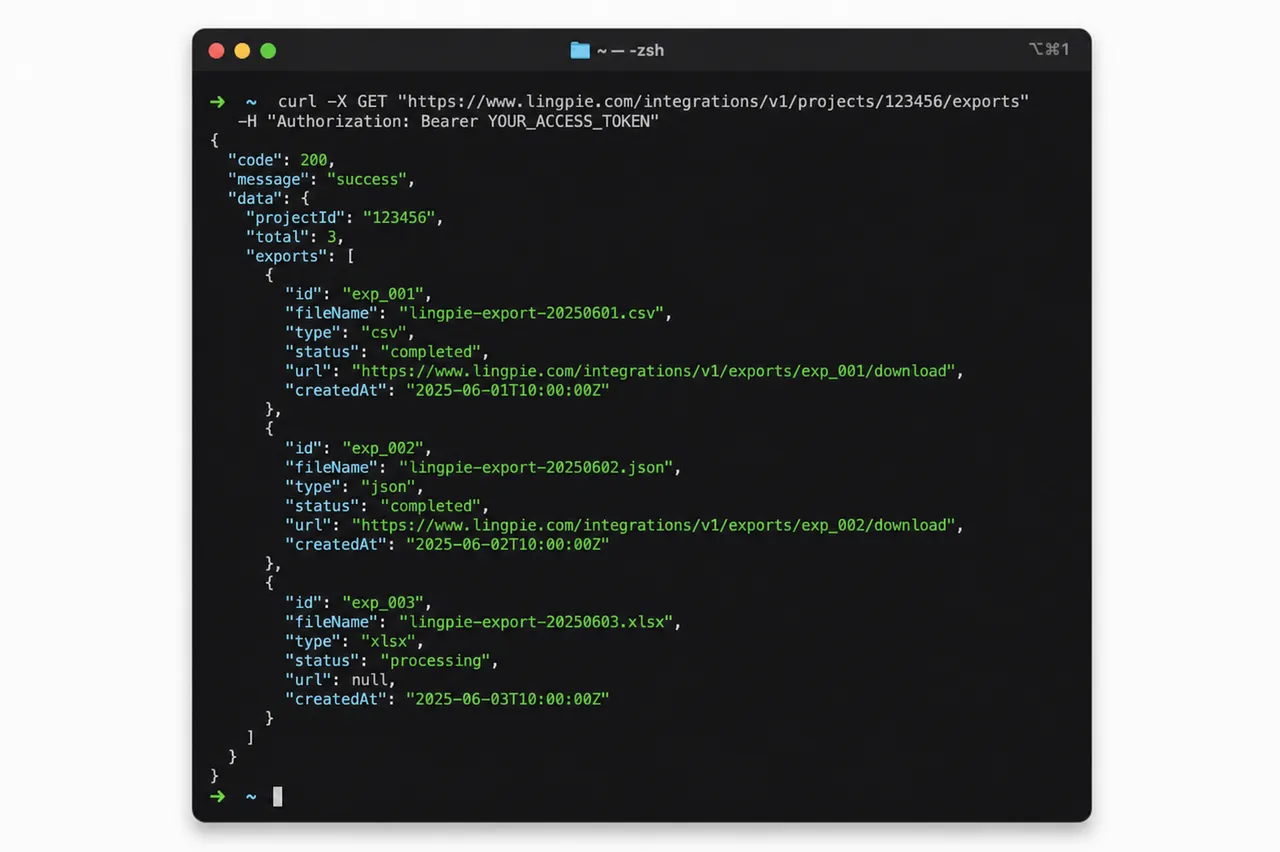
Call the Integration REST API
Use curl or any HTTP client to call the Integration REST API (/integrations/v1) with project API keys (lp_*) from custom scripts and CI pipelines—the same sync model as the CLI.
Related product
Start localizing for free with LingPie
No credit card required
- Essential localization features
- Unlimited projects
- 500 translation keys
- 3 seats