
MCP for AI Agents
Give coding agents localization tools—not unsupervised copy rewrites.
@lingpie/mcp-server exposes LingPie localization tools over the Model Context Protocol so AI coding agents can initialize projects, list keys and languages, and pull or push translations using the same lingpie.yaml contract as the CLI.
Deploy the MCP server in Cursor
{
  "mcpServers": {
    "lingpie": {
      "command": "npx",
      "args": ["-y", "@lingpie/mcp-server"],
      "env": {
        "LINGPIE_API_KEY": "lp_..."
      }
    }
  }
}
Add the config above to .cursor/mcp.json in your app repo (or ~/.cursor/mcp.json globally), set LINGPIE_API_KEY to your project key (lp_…), then restart Cursor. No global install is required—hosts run npx -y @lingpie/mcp-server (Node.js ≥ 20). Pass workspaceRoot to tools when the MCP process cwd is not your project.
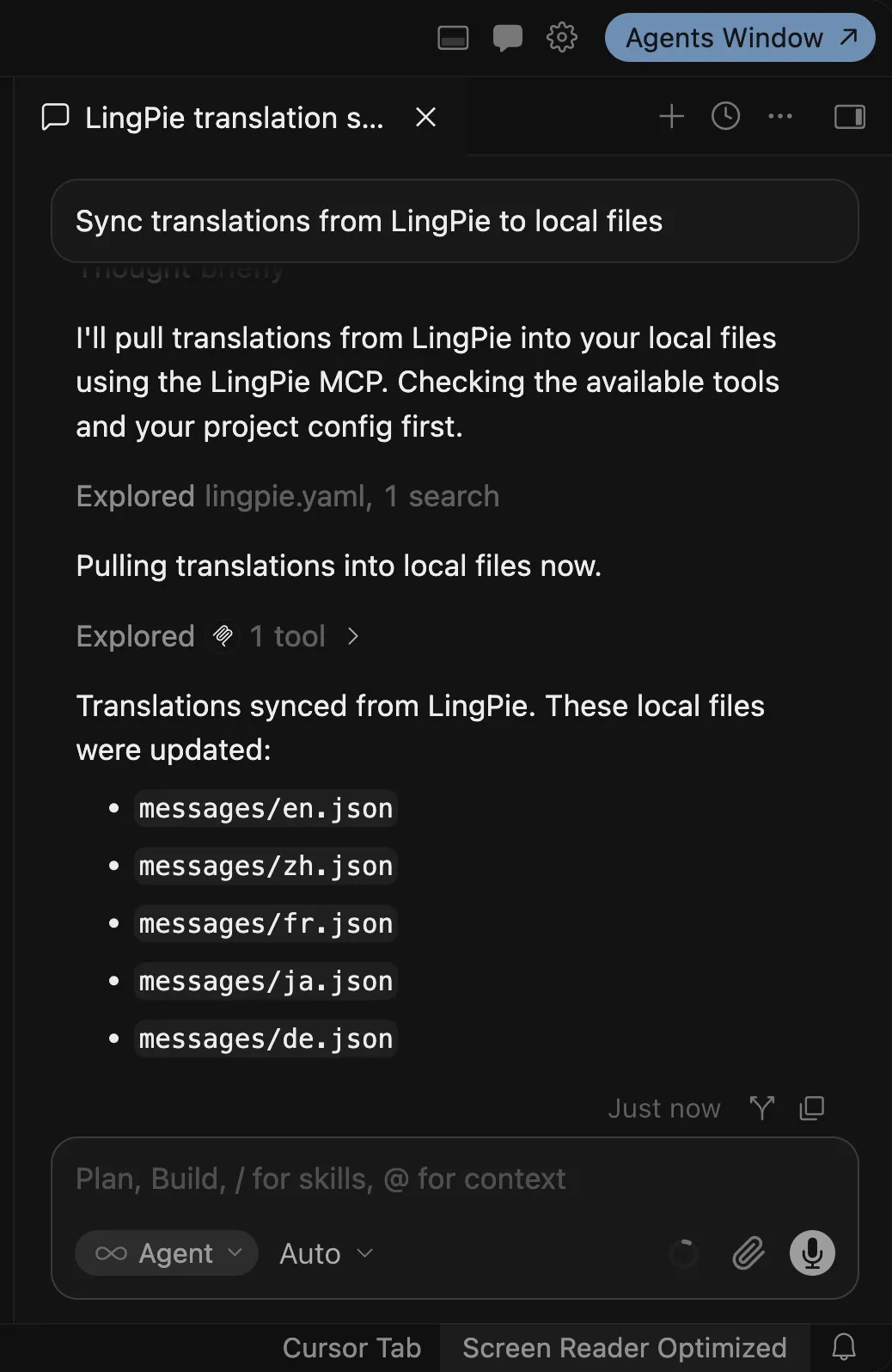
Pull translations with LingPie MCP Server
Ask your AI coding agent to pull translations from LingPie into local locale files. The MCP pull tool uses the same lingpie.yaml contract as the CLI—so agents stay in sync with your project.
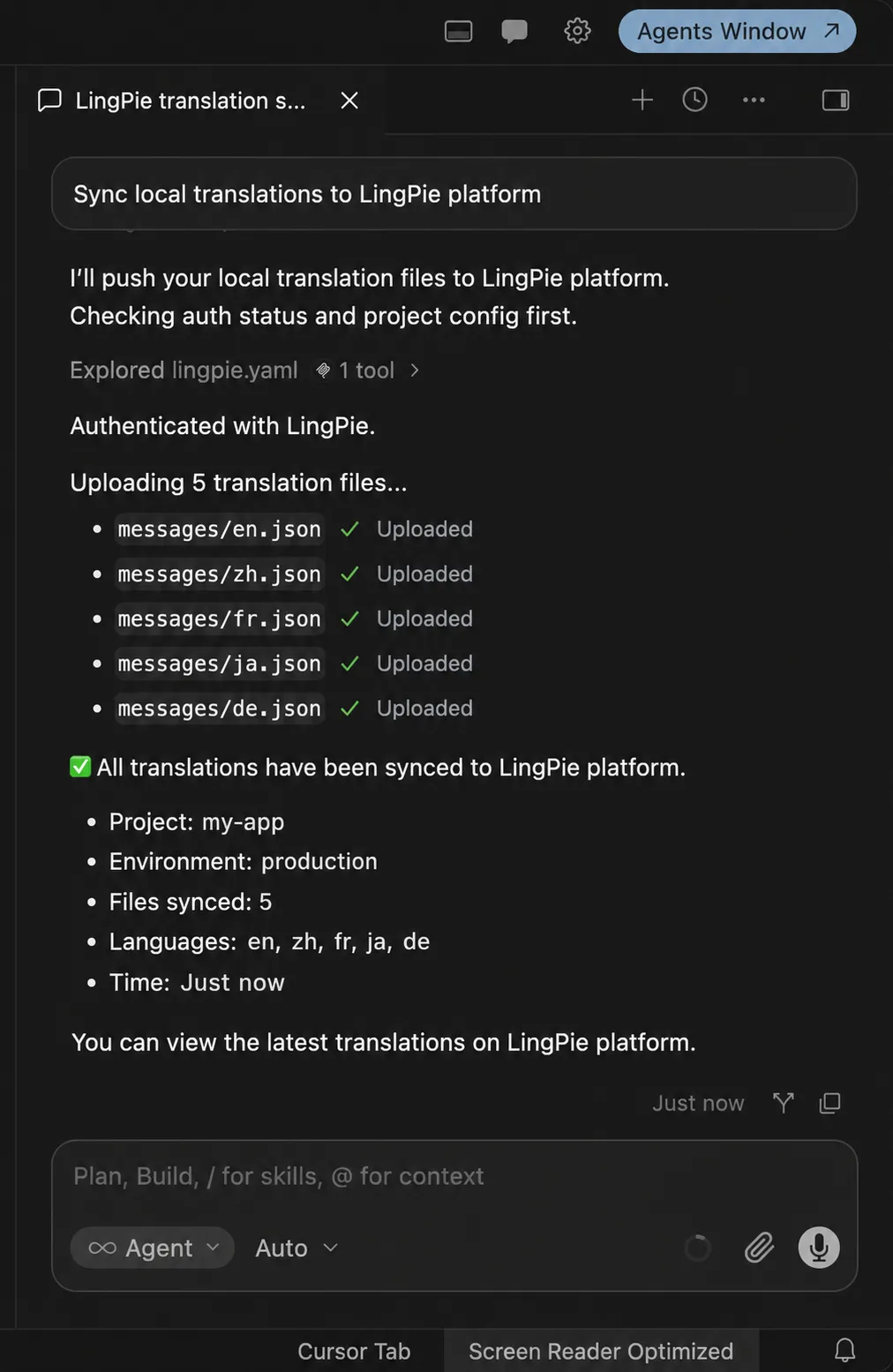
Push translations with LingPie MCP Server
Have agents push local translation changes back to LingPie. New keys and updates flow from the repo to the shared workspace without leaving the IDE.
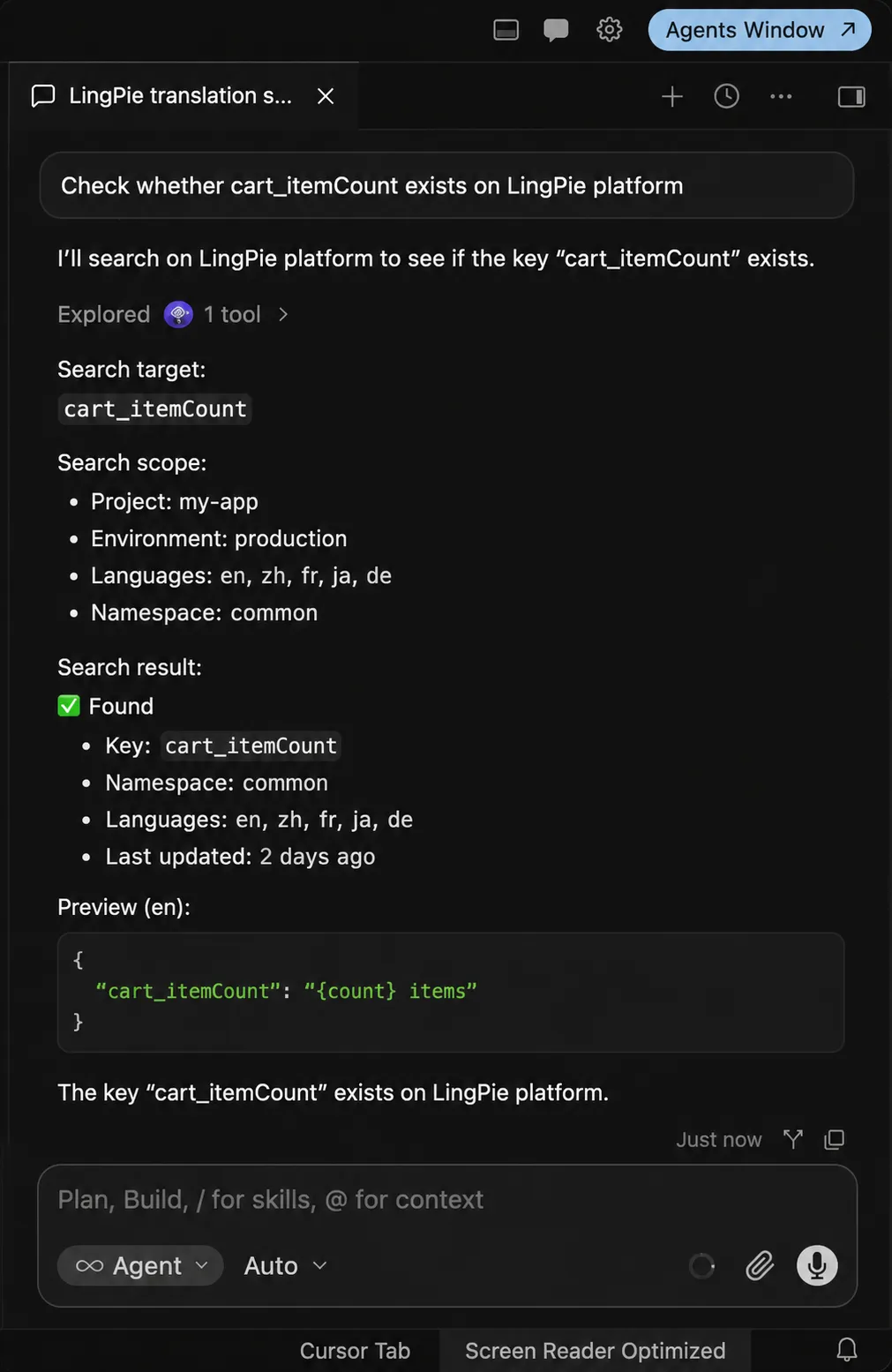
Look up whether a key exists on LingPie
Ask your agent to check whether a translation key already exists on LingPie before adding or renaming strings—avoid duplicates without leaving the chat.
Related product
Start localizing for free with LingPie
No credit card required
- Essential localization features
- Unlimited projects
- 500 translation keys
- 3 seats